
【开发小技巧】029—用CSS如何制作一个波浪形文本动画效果

<div class="wavy"><span style="--i:1">Wspan><span style="--i:2">Espan><span style="--i:3">Bspan><span style="--i:4">前span><span style="--i:5">端span><span style="--i:6">开 span><span style="--i:7">发span><span style="--i:8">公span><span style="--i:9">众span><span style="--i:10">号span>div>
<style type="text/css">body {display: flex;justify-content: center;align-items: center;min-height: 100vh;background-color: #1ab1cc;}.wavy {position: relative;}.wavy span {position: relative;display: inline-block;color: #fff;font-size: 2em;text-transform: uppercase;animation: animate 2s ease-in-out infinite;animation-delay: calc(0.1s * var(--i));}@keyframes animate {0% {transform: translateY(0px);}40% {transform: translateY(-40px);}80% transform: translateY(-80px);}100% {transform: translateY(0px);}}style>
<html><head><meta charset="utf-8"><style type="text/css">body {display: flex;justify-content: center;align-items: center;min-height: 100vh;background-color: #1ab1cc;}.wavy {position: relative;}.wavy span {position: relative;display: inline-block;color: #fff;font-size: 2em;text-transform: uppercase;animation: animate 2s ease-in-out infinite;animation-delay: calc(0.1s * var(--i));}@keyframes animate {0% {transform: translateY(0px);}40% {transform: translateY(-40px);}80% transform: translateY(-80px);}100% {transform: translateY(0px);}}style>head><body><div class="wavy"><span style="--i:1">Wspan><span style="--i:2">Espan><span style="--i:3">Bspan><span style="--i:4">前span><span style="--i:5">端span><span style="--i:6">开 span><span style="--i:7">发span><span style="--i:8">公span><span style="--i:9">众span><span style="--i:10">号span>div>body>html>
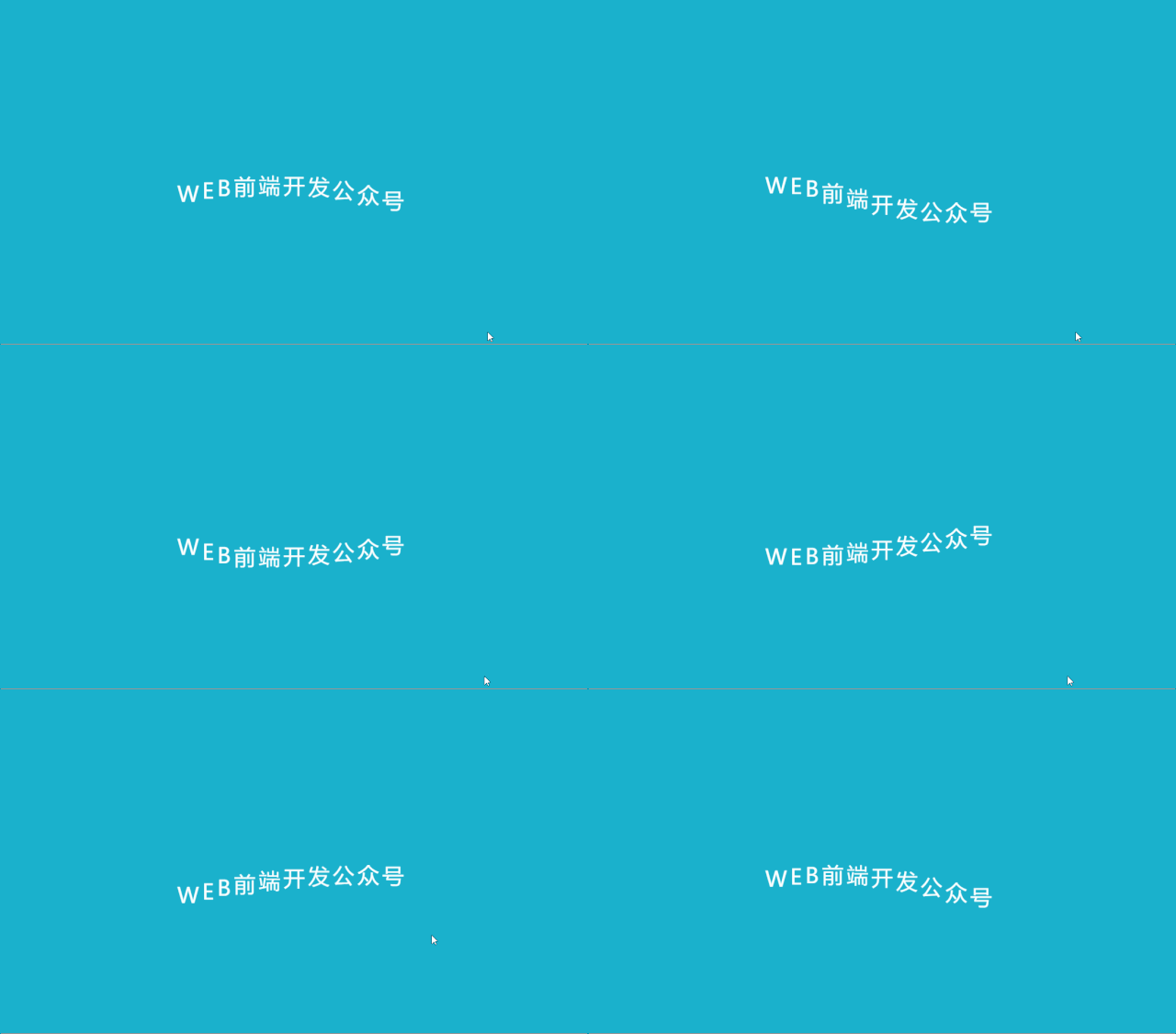
通过运行此代码,我们看到最终效果:
本文完~

评论