
ng-zorro-antdAngular UI Component Library based on Ant Design

NG-ZORRO
An enterprise-class Angular UI component library based on Ant Design.










English | 简体中文
✨
✨
- An enterprise-class UI design system for Angular applications.
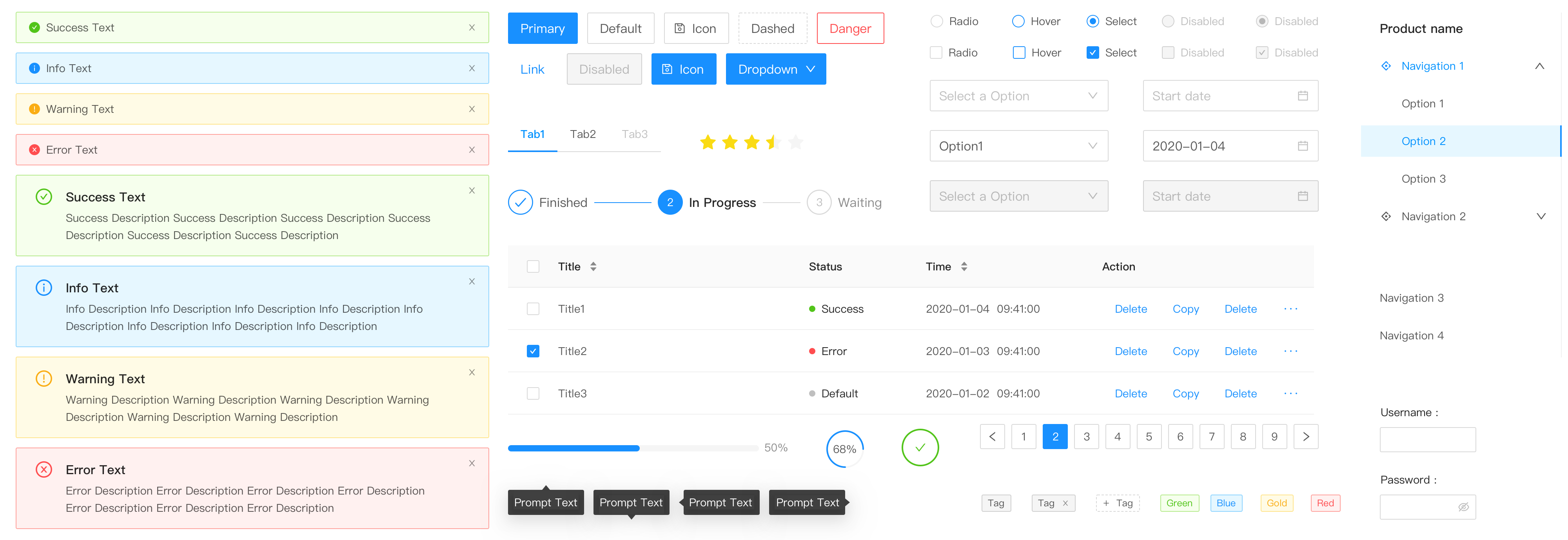
- 60+ high-quality Angular components out of the box.
- Written in TypeScript with predictable static types.
- The whole package of development and design resources and tools.
- Support OnPush mode, high performance.
- Powerful theme customization in every detail.
- Internationalization support for dozens of languages.
☀️
☀️

🖥
🖥
- Angular
^12.0.0 - Server-side Rendering
- Modern browsers and Internet Explorer 11+ (with polyfills)
- Electron
| IE / Edge | Firefox | Chrome | Safari | Opera | Electron |
|---|---|---|---|---|---|
| IE11, Edge | last 2 versions | last 2 versions | last 2 versions | last 2 versions | last 2 versions |
🎨
🎨
ng-zorro-antd synchronizes design specification with Ant Design on a regular basis, you can check the log online.
📦
📦
We recommend using @angular/cli to install. It not only makes development easier, but also allows you to take advantage of the rich ecosystem of angular packages and tooling.
$ ng new PROJECT_NAME

$ cd PROJECT_NAME

$ ng add ng-zorro-antd
More information about
@angular/clihere.
You can also install ng-zorro-antd with npm or yarn
$ npm install ng-zorro-antd
🔨
🔨
Import the component modules you want to use into your app.module.ts file and feature modules.
import { NzButtonModule } from 'ng-zorro-antd/button';


@NgModule({

  imports: [ NzButtonModule ]

})

export class AppModule {

}
@angular/cliusers won't have to worry about the things below but it's good to know.
And import style and SVG icon assets file link in angular.json.
{

  "assets": [

+   {

+     "glob": "**/*",

+     "input": "./node_modules/@ant-design/icons-angular/src/inline-svg/",

+     "output": "/assets/"

+   }

  ],

  "styles": [

+   "node_modules/ng-zorro-antd/ng-zorro-antd.min.css"

  ]

}
See Getting Started for more details.
🔗
🔗
⌨️
⌨️
$ git clone git@github.com:NG-ZORRO/ng-zorro-antd.git

$ cd ng-zorro-antd

$ npm install

$ npm run start
Browser would open automatically.
🤝
🤝

We welcome all contributions. Please read our CONTRIBUTING.md first. You can submit any ideas as pull requests or as GitHub issues.
If you're new to posting issues, we ask that you read How To Ask Questions The Smart Way (This guide does not provide actual support services for this project!), How to Ask a Question in Open Source Community and How to Report Bugs Effectively prior to posting. Well written bug reports help us help you!
Thanks to JetBrains for supporting us free open source licenses.

❓
❓
For questions on how to use ng-zorro-antd, please post questions to 
ng-zorro-antd tag. If you're not finding what you need on stackoverflow, you can find us on
As always, we encourage experienced users to help those who are not familiar with ng-zorro-antd!
🎉
🎉
- Alibaba
- Aliyun
- ThoughtWorks
- China Merchants Bank
- Ververica
- Apache Flink
- Apache Zeppelin
- Apache Submarine
- Apache Metron
- Process Automation Group
- AISINOCO
- GongDao
- UC Express
- Qingflow
- DataGrand
- ScentBird
- Southern Institute of Technology
- Hapify (Dynamic boilerplates tool)
We list some users here, if your company or product uses NG-ZORRO, let us know here!
Love ng-zorro-antd? Give our repo a star
⭐
⬆️