
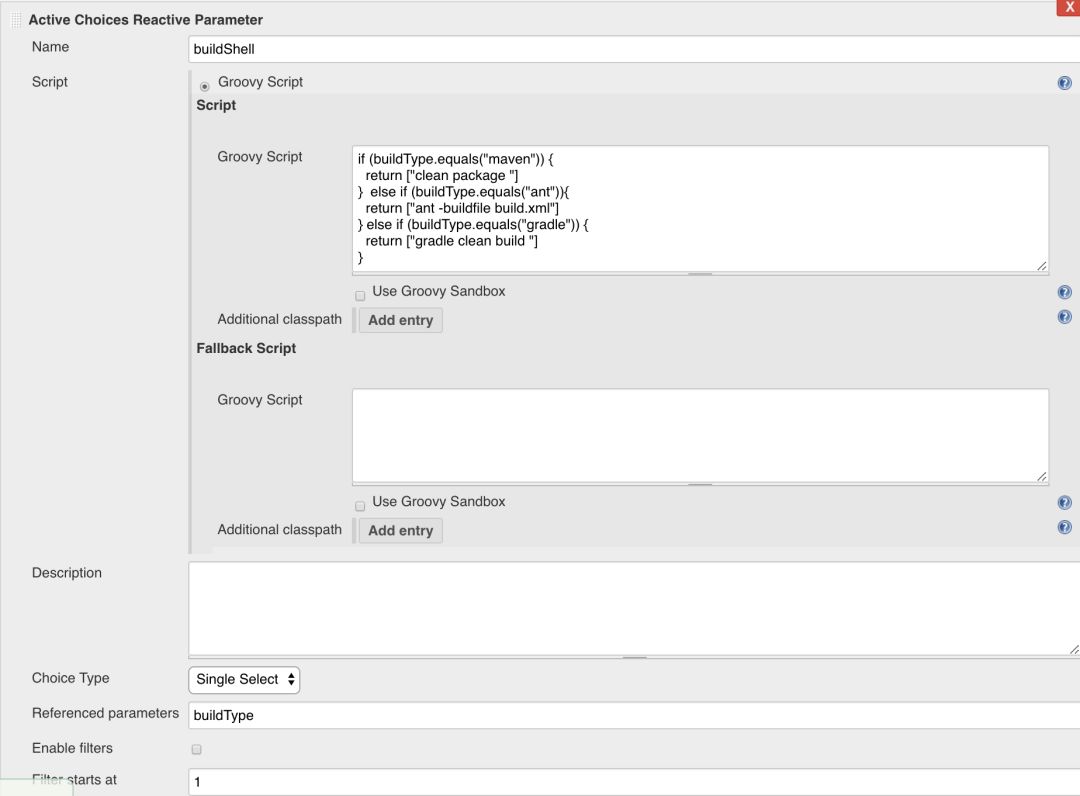
使用 Active Choice Parameter 参数化构建

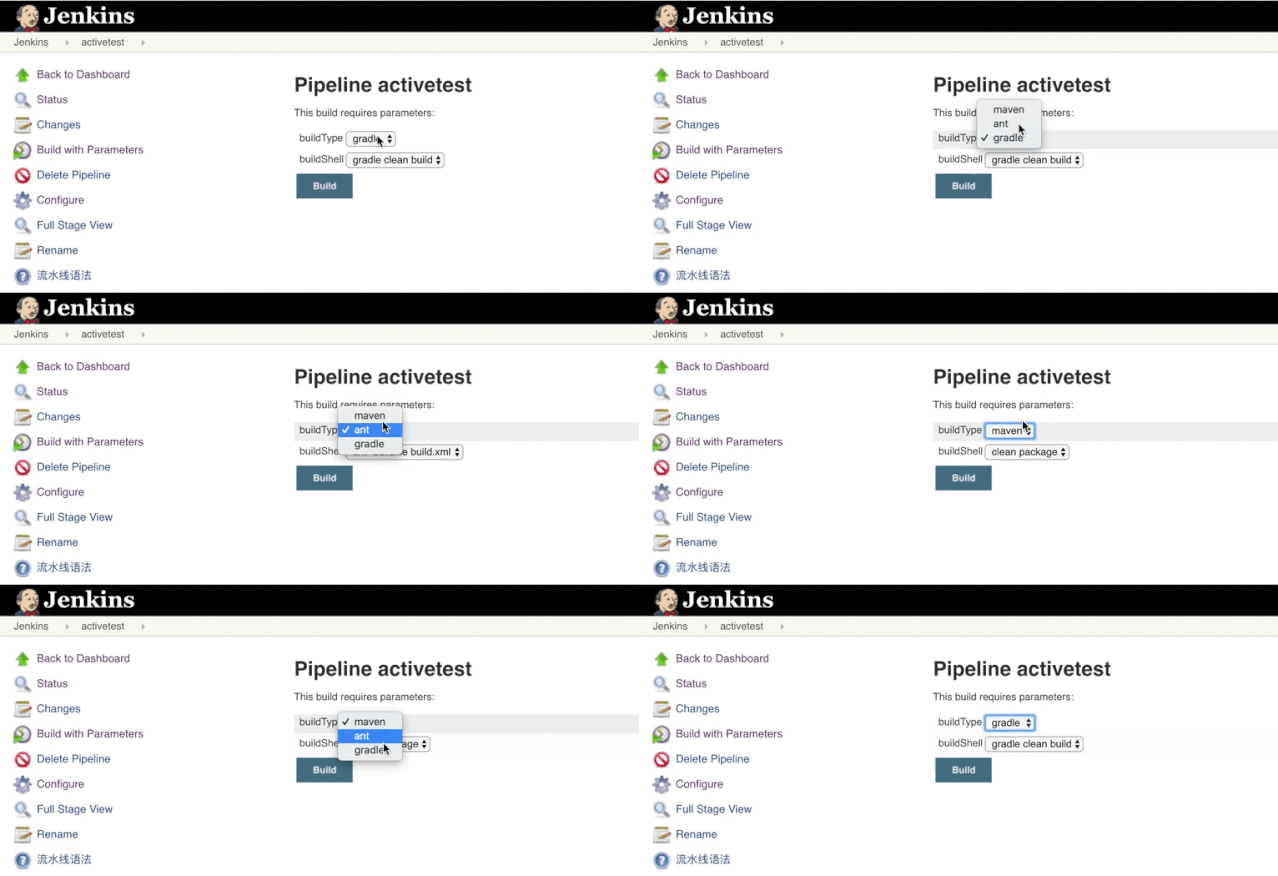
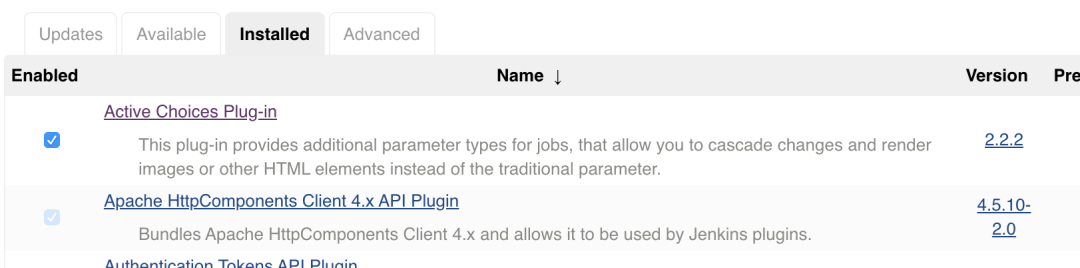
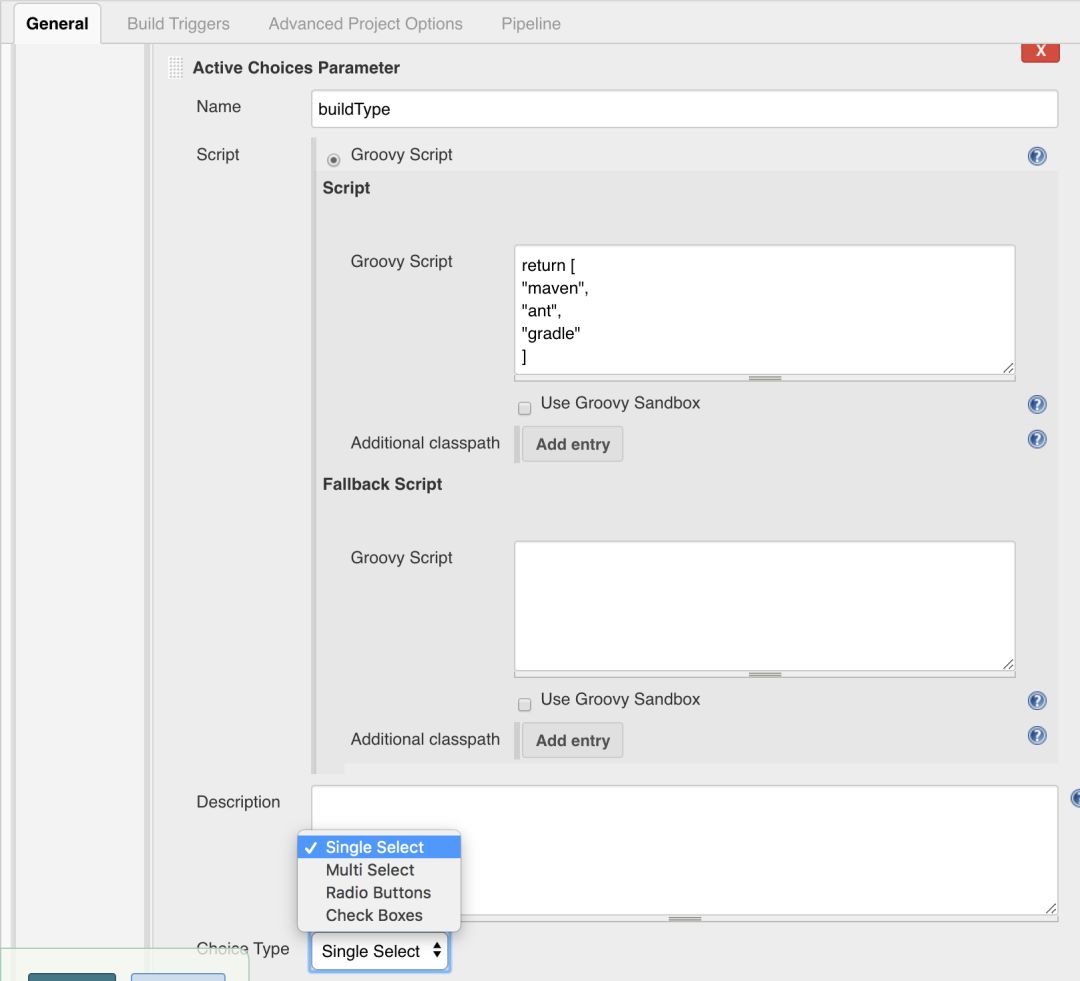
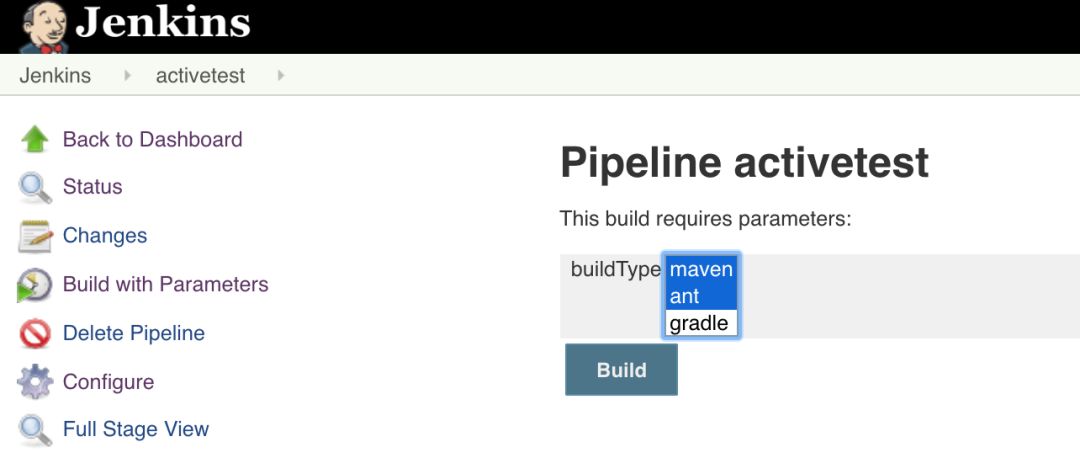
项目地址:
https://github.com/jenkinsci/active-choices-plugin
插件地址:
https://plugins.jenkins.io/uno-choice/
Jenkinsfile
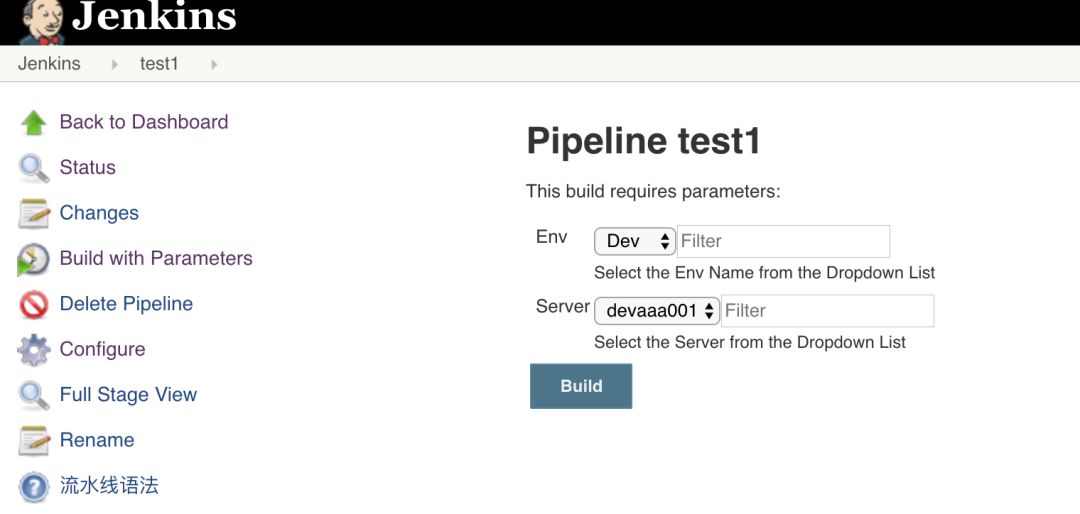
properties([parameters([[$class: 'ChoiceParameter',choiceType: 'PT_SINGLE_SELECT',description: 'Select the Env Name from the Dropdown List',filterLength: 1,filterable: true,name: 'Env',randomName: 'choice-parameter-5631314439613978',script: [$class: 'GroovyScript',fallbackScript: [classpath: [],sandbox: false,script:'return[\'Could not get Env\']'],script: [classpath: [],sandbox: false,script:'return["Dev","QA","Stage","Prod"]']]],[$class: 'CascadeChoiceParameter',choiceType: 'PT_SINGLE_SELECT',description: 'Select the Server from the Dropdown List',filterLength: 1,filterable: true,name: 'Server',randomName: 'choice-parameter-5631314456178619',referencedParameters: 'Env',script: [$class: 'GroovyScript',fallbackScript: [classpath: [],sandbox: false,script:'return[\'Could not get Environment from Env Param\']'],script: [classpath: [],sandbox: false,script:''' if (Env.equals("Dev")){return["devaaa001","devaaa002","devbbb001","devbbb002","devccc001","devccc002"]}else if(Env.equals("QA")){return["qaaaa001","qabbb002","qaccc003"]}else if(Env.equals("Stage")){return["staaa001","stbbb002","stccc003"]}else if(Env.equals("Prod")){return["praaa001","prbbb002","prccc003"]}''']]]])])pipeline {environment {vari = ""}agent anystages {stage ("Example") {steps {script{echo 'Hello'echo "${params.Env}"echo "${params.Server}"if (params.Server.equals("Could not get Environment from Env Param")) {echo "Must be the first build after Pipeline deployment. Aborting the build"currentBuild.result = 'ABORTED'return}echo "Crossed param validation"} }}}}
 点击屏末 | 阅读原文 | 即刻学习
评论